How to Play Google Memory Game?
Google Memory Game is a fun and challenging way to test and improve your memory skills. If you’re looking for a quick mental workout or just want to have some fun, this game is perfect for you. In this article, we’ll guide you through the steps of playing the Google Memory Game, from accessing it to mastering its mechanics. So, let’s dive in!
1. Introduction to the Google Memory Game
Have you ever wondered how sharp your memory really is? The Google Memory Game is here to put it to the test. This simple yet addictive game challenges players to match pairs of cards in the shortest time possible. But before we delve into the gameplay, let’s understand what exactly the Google Memory Game is all about.
2. Accessing the Google Memory Game
Playing the Google Memory Game is incredibly easy. All you need is an internet connection and a device with a web browser. Whether you’re using Google Chrome, Microsoft Edge, or Mozilla Firefox, you can access the game with just a few clicks.
To begin, open your preferred browser and follow these simple steps:
- Step 1: Type the keyword “Google Memory Game” in the search field.
- Step 2: Press Enter, and you’ll see the Memory Game display appear on the accessed web page.
- Step 3: Select the “Play” button, and you’re ready to go!
3. Understanding the Rules
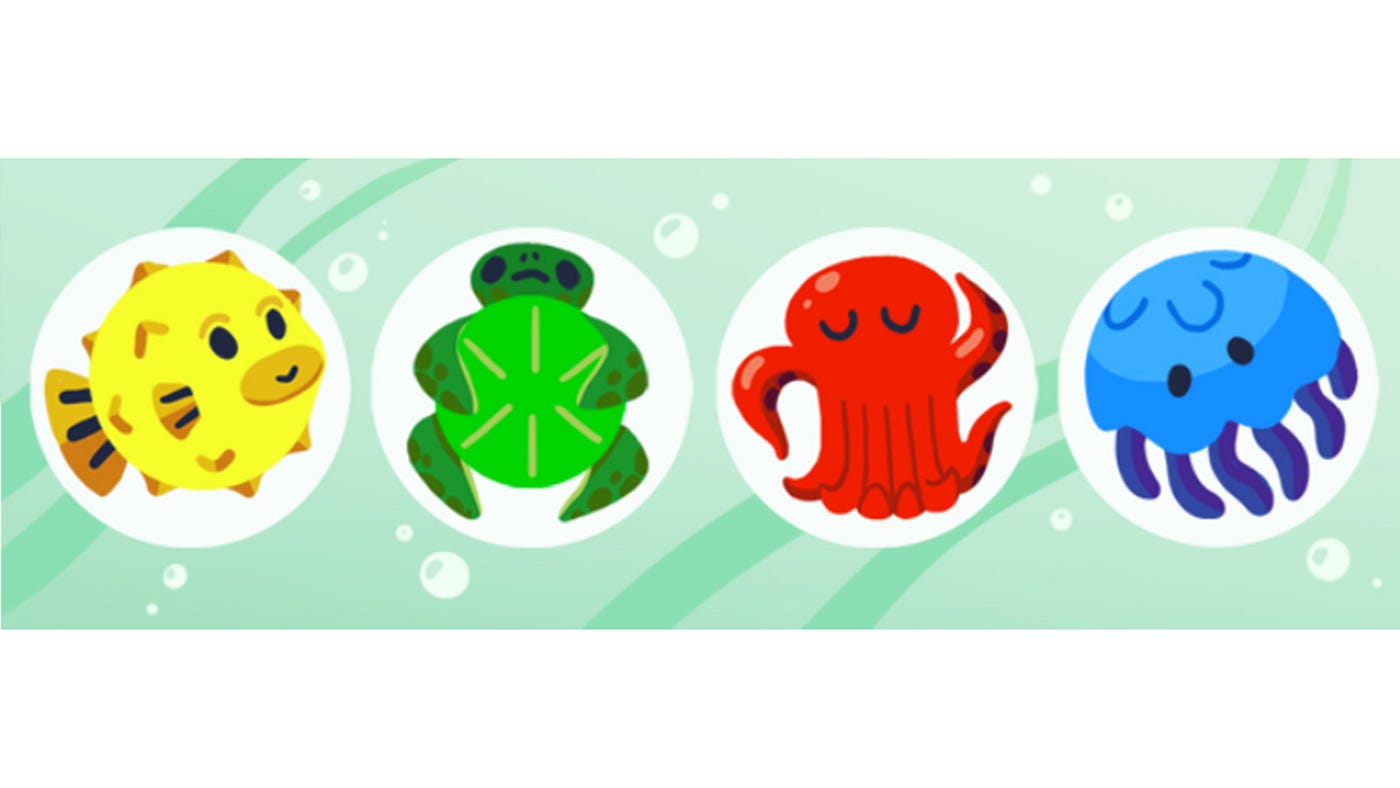
Now that you’ve accessed the game, let’s familiarize ourselves with the rules. The objective of the Google Memory Game is to match pairs of cards with identical symbols. The game starts with a grid of face-down cards, each containing a hidden symbol. Players take turns flipping over two cards at a time, trying to find matching pairs. The game ends when all pairs have been successfully matched.
4. Starting the Game
Getting started with the Google Memory Game is a breeze. Once you’ve accessed the game through the search results, simply click on the “Play” button to begin. Within seconds, you’ll find yourself immersed in the world of memory-matching fun.
5. Game Interface Overview
Before we jump into the gameplay, let’s take a quick tour of the game interface. The Google Memory Game features a clean and intuitive layout, with the grid of cards taking center stage. Surrounding the grid, you’ll find buttons for starting the game, toggling sound effects, and accessing settings.
6. Gameplay Mechanics
Now that you’re familiar with the game’s interface, let’s talk about how to play. To flip a card, simply click on it. Your goal is to uncover two cards with matching symbols. If you succeed, the matched pair will remain face-up. If not, both cards will flip back over, and you’ll have to try again.
7. Scoring and Progression
As you play the Google Memory Game, you’ll earn points for each pair of cards you match. The faster you complete the game, the higher your score will be. Additionally, the game tracks your progress, allowing you to see how you stack up against previous attempts.
8. Challenges and Difficulty Levels
For those looking for an extra challenge, the Google Memory Game offers multiple difficulty levels to choose from. Whether you’re a beginner or a memory master, there’s a level that’s just right for you. As you progress through the game, you’ll unlock higher difficulty settings, putting your memory skills to the ultimate test.
9. Benefits of Playing
Playing memory games like the Google Memory Game isn’t just fun—it’s also beneficial for your brain. Studies have shown that regularly engaging in memory games can help improve cognitive function and enhance memory retention. So, the next time you’re looking for a mental workout, why not give the Google Memory Game a try?
10. Tips for Success
To help you get the most out of your Google Memory Game experience, here are a few tips for success:
- Pay attention to the cards as you flip them over.
- Try to remember the position of cards you’ve already seen.
- Start with smaller grid sizes and work your way up as you improve.
11. Conclusion
In conclusion, the Google Memory Game is a fantastic way to test and improve your memory skills while having fun. With its simple yet addictive gameplay and plethora of features, it’s sure to keep you entertained for hours on end. So why wait? Give it a try today and see how sharp your memory really is!